What Is a Garage Door Visualizer?
A garage door visualizer is a free online tool that shows what a new garage door would look like on your actual house. You upload a photo of your home (or pull it from Google Street View), pick a door style and color, and AI instantly generates a realistic preview of the new door on your home — no signup, no email, and no cost.
Quick Summary
Integrity's Garage Door Visualizer is 100% free and requires no account. Add your home photo, choose from Classic Steel, Full-View Glass, Modern Steel, or Carriage House styles, select a color, and see a true-to-life before/after preview in about 10–20 seconds. Built by Integrity Garage Doors and Gates, serving the Bay Area from Castro Valley, CA.
How Does the Garage Door Visualizer Work?
The tool works in three simple steps. Each step takes only a few seconds, and the finished preview can be saved or downloaded right from your browser.
Step 1 — Add your home photo
Upload a photo of your house from your phone or computer, or type your address to pull a Google Street View image of your home automatically. Accepted formats are JPG, PNG, and WebP up to 10MB.
Step 2 — Pick a style and color
Choose a door style — Classic Steel, Full-View Glass, Modern Steel, or Carriage House — then select a color and any options such as window inserts, window layout, or carriage hardware.
Step 3 — See your result
Click Generate and the visualizer creates a realistic preview of the new garage door on your home in about 10–20 seconds. Use the before/after slider to compare, zoom in on the detail, and save the image — all for free, with no signup required.
Garage Door Visualizer FAQ
Is the garage door visualizer free?
Yes. Integrity's garage door visualizer is completely free to use, with no signup, no email, and no obligation. You can preview as many styles and colors as you like.
Do I need to create an account or download anything?
No. The visualizer runs entirely in your web browser. There is nothing to download and no account to create — just open the tool, add a photo, and start designing.
What garage door styles can I preview?
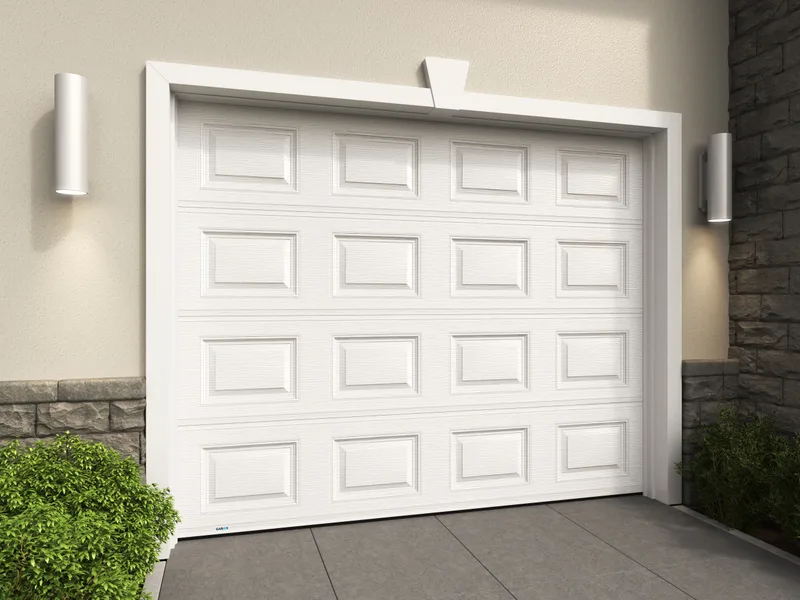
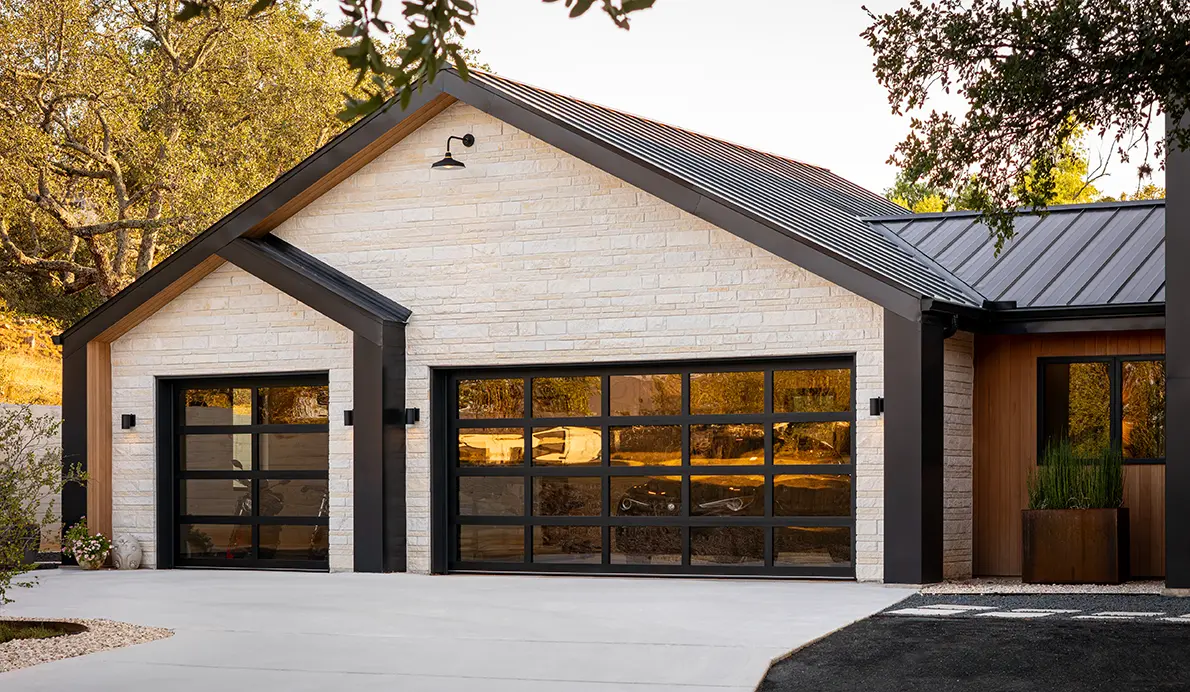
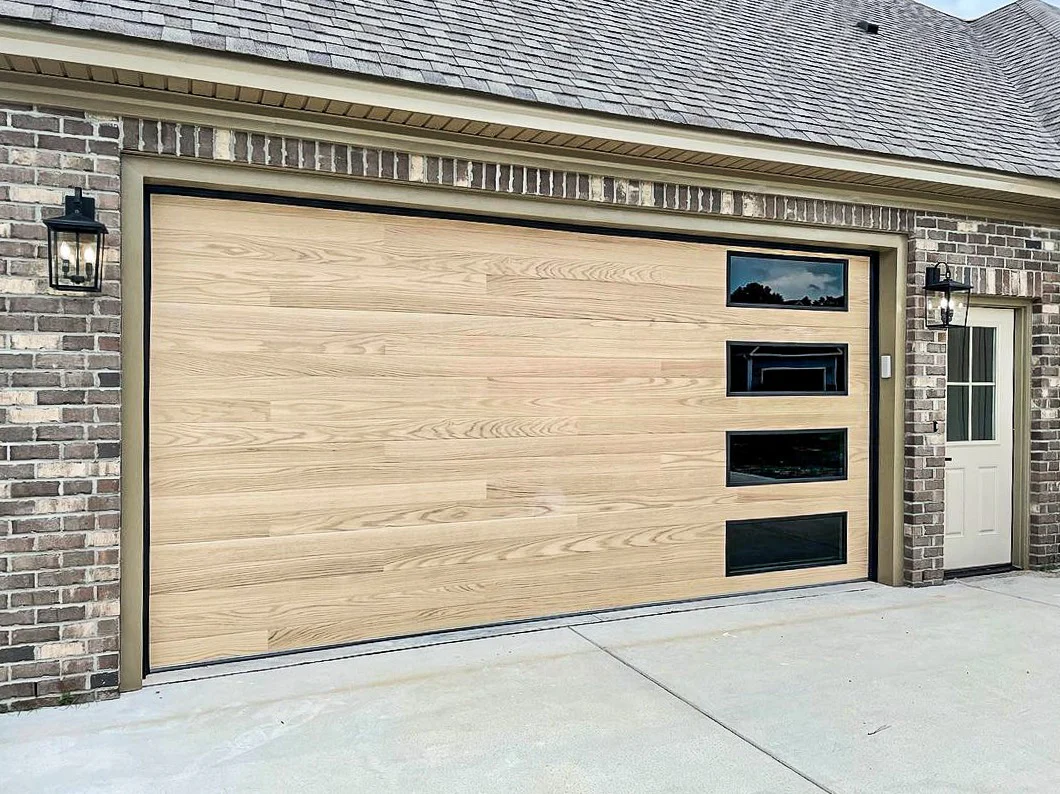
You can preview Classic Steel (traditional raised panel), Full-View Glass and aluminum, Modern Steel (flush/minimalist), and Carriage House styles, each with a range of colors, window options, and hardware.
Can I use Google Street View instead of uploading a photo?
Yes. Switch to the Street View tab and enter your home address, and the tool pulls a current image of your home so you can visualize a new door without taking a photo.
How accurate is the preview?
The AI-generated preview gives a realistic, true-to-scale look at how the new door will appear on your specific home. For an exact quote on the door you designed, call Integrity Garage Doors and Gates at (888) 485-6995 for a free estimate.